
Attendance and access operations
QR Code Attendance for Study Libraries: How It Works
A QR code can make attendance capture convenient. Trustworthy attendance still depends on identity, context, entitlement, state, controls and an auditable server-side decision.

Governing principle
QR scan ≠ attendance. A scan is an input signal; the system must validate the event before recording it.
Quick answer
The square is not the decision
QR attendance uses a QR code to initiate a request to record or retrieve attendance context. The code might represent a member reference, a short-lived token, a branch/check-in context or another opaque reference. After the scan, the server should resolve the request, validate the relevant rules, check current attendance state, prevent duplicate creation, and then create or reject the event.
Capture
Camera or scanner decodes a reference. This is only the input signal.
Decision
Server validates identity, context, entitlement, state and authorization.
Evidence
Accepted events receive a clear result, history and reporting context.
What QR attendance is—and is not
QR attendance is an operating workflow, not a property of the image. The QR may identify a member, identify a venue context or carry a temporary reference. It should not expose unnecessary name, phone number, email, membership details, secrets or database information.
End-to-end QR attendance flow
The user interface can feel like one scan, but the business process is a sequence. Each stage should have an intentional success, rejection or exception outcome.
Identify QR model
↓Issue or display code
↓Scan
↓Resolve identity/context
↓Validate server-side
↓Check entitlement/state
↓Create or reject event
↓Confirm and audit
The server—not the client camera, client clock or client-supplied branch—should remain authoritative for consequential validation.
QR payload and data minimization
Prefer an opaque reference or appropriately protected token when the architecture supports it. A readable QR is not a reason to place personal data or mutable entitlement inside the image. Membership status, branch authorization and attendance state should be resolved from authoritative records at the time of the request.
Avoid embedding by default
Member name, phone, email, plan details, secrets, database credentials and reusable authentication tokens should not be placed in a public QR image.
Keep the public article conceptual
Do not publish production token formats, signing keys or examples that resemble live credentials. Explain the boundary rather than exposing implementation secrets.
Three common QR attendance models
Static member QR
A relatively persistent member reference is carried by the member. It is convenient and printable, but easier to copy or screenshot. It must never silently grant entitlement.
Dynamic member QR
A changing or expiring code can narrow the useful replay window. It requires issuance, time handling and active connectivity decisions.
Library-displayed QR
A venue code can represent branch or check-in context. Seeing or photographing it is not, by itself, proof of physical presence.
| Model | Typical meaning | Strength | Trade-off |
|---|---|---|---|
| Static member QR | Member carries a relatively persistent code | Simple and low-friction | Copying, screenshots and revocation need control |
| Dynamic member QR | Code changes or expires according to defined rules | Can narrow replay window | Requires active issuance, time handling and connectivity |
| Library-displayed QR | Venue displays a code for an identified member workflow | Can support self-service and branch context | Seeing or photographing the code is not presence proof |
Who scans whom?
Staff scans member
Authenticated staff and a controlled scanner can add supervised context and reduce self-service ambiguity, but queues, staff mistakes and least-privilege permissions matter.
Member scans library
Self-service can reduce reception effort, but requires an identified member workflow and controls for copied venue codes, remote attempts and unclear attendance state.
Neither model is universally better. Choose based on the actual trust boundary, staff workflow, privacy needs, branch context and failure recovery you can operate.
Server validation
Validate before creating attendance
A robust server pipeline separates token validity from business entitlement. A signed or structurally valid token does not automatically mean that the member is active, entitled to the branch or eligible for the shift.
Decode
Read the QR payload or reference without treating the client decode as proof.
Authenticity and expiry
Validate structure, signature or expiry where the architecture uses them.
Tenant and branch
Resolve authoritative organization and branch context; do not trust arbitrary client scope.
Member and membership
Resolve the member and check active membership and plan conditions.
Shift and time
Apply the applicable branch, shift, timezone and historical-date rules.
Attendance state
Determine whether the request is check-in, checkout, duplicate, correction or rejection.
Idempotency and audit
Prevent retry duplication, return a deterministic response and preserve material history.
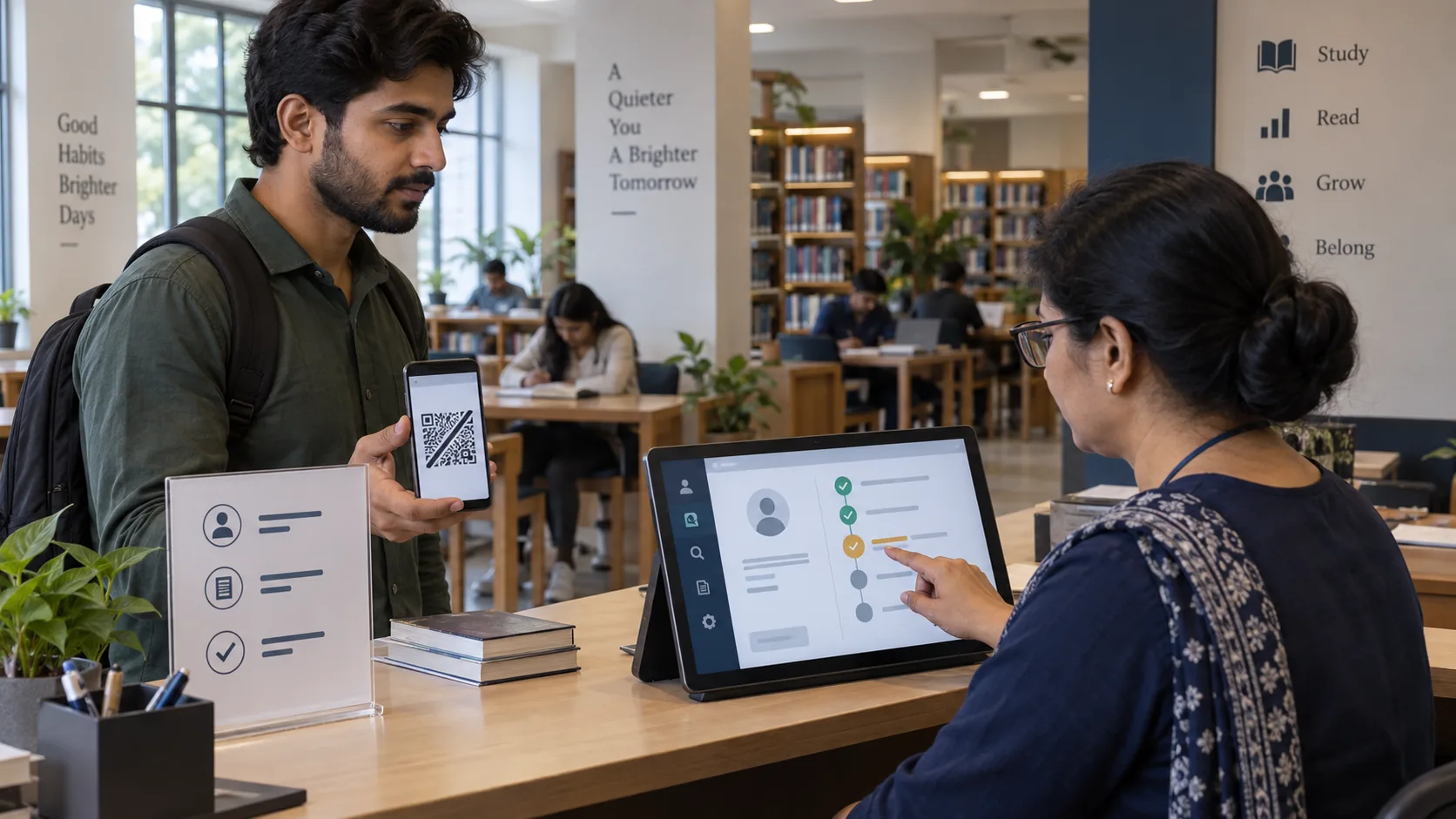
Check-in, checkout and attendance state
Check-in and checkout should be explicit states, not an accidental side effect of scanning. A toggle can be convenient, but it can also turn a repeated scan or ambiguous state into an unintended checkout. Show the current state, prevent repeated submits while a request is pending and return a deterministic result.
Check-in
Validate eligibility, check for an open session and create one event only when the state permits.
Checkout
Close the intended open session. Do not fabricate a checkout time if the member forgot to scan.
Missing checkout
Handle as an exception for review or a defined policy; unknown checkout is not estimated checkout.
Duplicate scans, replay and sharing
A duplicate scan can be a user retry, a slow-network retry, a genuine second event or a replay. The backend should distinguish the relevant state and use idempotency or an equivalent deterministic mechanism where supported. Frontend button disabling alone is not enough.
| Threat or failure | Defensive direction | Boundary |
|---|---|---|
| Copied member QR | Resolve member server-side, verify entitlement, provide revocation and audit | Possession may be shared |
| Screenshot of rotating QR | Short validity window and replay/idempotency controls | Rotation reduces but does not eliminate exposure |
| Repeated scan/retry | Deterministic state handling and idempotency | Network retry must not create a second event |
| Wrong branch or tenant | Authoritative branch/tenant resolution and safe rejection | Do not disclose unnecessary member existence |
| Lost phone/card | Regeneration or revocation process | Business recovery matters as much as code creation |
Dynamic QR ≠ fraud-proof QR. Expiry can reduce exposure; it cannot make sharing impossible during a valid period or prove who held the device.
Attendance is not allocation or occupancy
A QR check-in is an event. Seat allocation describes a service relationship. Occupancy describes a defined capacity and presence measurement. Do not silently allocate a seat because a member scanned, and do not count raw scans as continuous occupancy without a documented methodology.
Attendance
Did an accepted check-in or checkout event occur?
Allocation
Which seat, zone or shift was assigned under the business rules?
Occupancy
How much eligible capacity was occupied at the defined measurement time?
Rate, location, device and privacy controls
Rate limiting can reduce accidental or abusive repeated requests, but the correct threshold depends on scanner behavior and recovery needs. Geolocation and device fingerprinting are optional contextual controls with privacy and accuracy limitations: neither proves identity or continuous presence.
Least privilege
Scanner accounts should have only the access needed for their branch and workflow. Cross-tenant and unauthorized cross-branch requests should fail safely.
Data minimization
Minimize raw tokens, location, device data and member details in responses and logs. Do not log authentication secrets or reusable access tokens.
Internet outage and device failure
An offline camera can decode a QR, but that does not make the event authoritative. If offline validation or a queue exists, it needs stable event identifiers, occurrence and sync times, replay handling and reconciliation rules. If it does not exist, use a clearly marked degraded-mode fallback that still protects entitlement and preserves later correction evidence.
Slow or missing response
Show processing state, prevent repeated submissions, make the outcome clear and give staff a safe recovery path.
Camera or device failure
Provide an accessible non-camera alternative where operationally supported. The fallback must not bypass membership, branch or permission validation.
24/7, cross-midnight and multiple branches
A session beginning before midnight should not be silently closed at 00:00. Use the canonical timezone and business-date rules, and preserve the historical shift version that applied at the event. For multiple branches, validate branch context authoritatively; a member QR may be branch-neutral only if the server decides whether the current branch is permitted.
QR versus biometric attendance
QR and biometric methods have different trust, privacy, hardware, operational and recovery trade-offs. QR does not eliminate proxy attendance, while biometric does not remove the need for entitlement, state, privacy and correction controls. The right choice depends on the risk and workflow you genuinely need to address.
| Question | QR consideration | Decision boundary |
|---|---|---|
| Identity and proxy | Possession of a code is not identity proof. | Define the actual risk and controls. |
| Privacy | Minimize code and context data. | Biometric data can introduce different obligations and sensitivities. |
| Operations | Usually lower hardware friction. | Consider devices, queues, recovery and support. |
| Trustworthiness | Requires server validation and replay controls. | No method is automatically fraud-proof. |
Pilot QR attendance with evidence
Pilot normal scans and failure paths before relying on the workflow. Test active and inactive memberships, wrong branch, wrong shift, duplicate and concurrent scans, slow network, lost response and retry, missing checkout, correction, midnight boundary, invalid QR, unauthorized scanner and cross-tenant isolation. Do not convert the result into an arbitrary security score or time-saving percentage.
Claim inspector
Use this small review aid to challenge statements that confuse a QR capture event with identity, entitlement or presence.
Claim inspector
Challenge a tempting QR-attendance assumption
Assumption
A scan equals attendance
Better framing
A scan is an input signal. Attendance needs server-side identity, context, entitlement and state validation.
Capture ≠ attendance
This is an educational review aid. It does not test a live QR scanner, create attendance, or claim current Libix implementation details.
Where Libix fits
Verify the current Libix QR capability before making a claim
Libix — Library OS, developed by CodePex Technologies Private Limited, is intended for private study libraries, reading rooms and related self-study operations. This article does not assert a current dynamic-token format, expiry interval, offline queue, rate-limit policy, scanner workflow, geolocation control or device fingerprinting capability.
Verify current repository or authoritative product documentation for QR generation, member QR, scanner behavior, check-in/out, membership and shift validation, corrections, audit, branch isolation and degraded mode. For the surrounding decision context, read Manual vs Digital Attendance, How Attendance Data Helps Owners and How to Run a 24/7 Study Library.
QR attendance implementation checklist
Frequently asked questions
What is QR attendance?
QR attendance is a digital attendance method where scanning a QR code initiates a request. The server must still validate identity or context, entitlement, attendance state and authorization before creating an event.
Does scanning automatically mark attendance?
No. A successful camera decode is only an input signal. The system should validate the request, check membership and context, handle duplicates and then create or reject the attendance event.
Is a dynamic QR always safer than a static QR?
Not universally. A dynamic or rotating QR can reduce the useful replay window, but it adds complexity and cannot eliminate sharing during a valid window.
Can QR attendance prove continuous presence?
No. A check-in records an event at a point in time. It does not prove that the member stayed in the library or occupied a seat continuously.
Can QR attendance work offline?
Only if an explicit offline architecture exists for validation, event identity, reconciliation, replay handling and business-rule revalidation. Camera decoding alone is not offline attendance validation.
How should Libix QR attendance be evaluated?
Verify the current repository or authoritative product documentation for QR generation, scanner workflow, token handling, expiry, entitlement, check-in/out, correction, audit, offline behavior and branch controls before making a product claim.